UNILAG Post-UTME 2025/2026: Everything You Must Know About the Online Screening
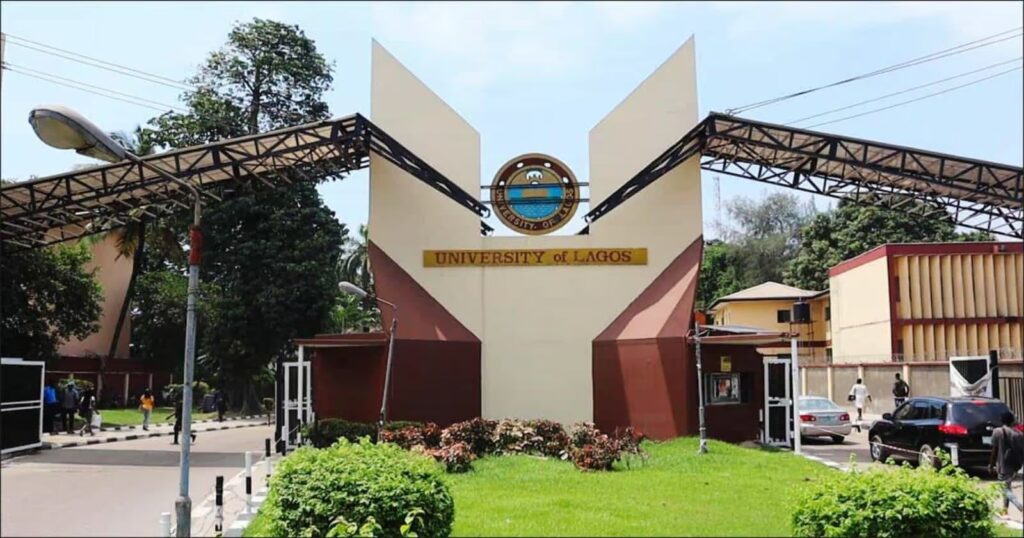
The University of Lagos (UNILAG) has officially announced the details of its Post-UTME screening for the 2025/2026 academic session, and just like last year, the exam will be conducted strictly online.
For candidates hoping to secure admission into UNILAG, the test may only last 30 minutes, but one wrong move could cost you everything. Here’s a full breakdown of the rules, login steps, mock exam, and support details—told plain and straight.
The Ground Rules
Think of the UNILAG Post-UTME like entering a real exam hall—but this time, your room is the hall. Here are the key rules every candidate must follow:
- Device Matters: Only laptops with built-in webcams and microphones are allowed. Mobile phones are not supported.
- Be Seen: Your webcam must remain uncovered. Any obstruction could lead to disqualification.
- No Movement: Once you start, you cannot stand up, stretch, or leave your seat. Your 30 minutes begins the moment you click “Start.”
- No Extras: Items like face caps, masks, headphones, or external cameras are strictly prohibited.
- Alone Means Alone: No one should walk behind or stay near you during the test. Even a sibling passing by could end the exam.
- Good Lighting: Ensure your face is clearly visible. Sitting in a dark room may get you logged out automatically.
Bottom line: The rules are strict and non-negotiable—don’t test them.
How to Log In
There are three ways to access the online exam platform:
- Through the “Go to WebTest” button on the UNILAG portal.
- Using the “Click Here To Take Exam” link sent to your email.
- Visiting unilag.proctee.webtest.ng directly.
- Username: Your UTME Number
- Password: Your surname (in lowercase)
Steps to Start the Exam:
- Click “Take Exam” and follow the instructions.
- Download and install the Safe Exam Browser (only the specified version works).
- Grant all permissions and begin the test.
- Windows: Only version 8.1 and above are supported.
- Mac users: Ventura OS is recommended.
Mock Exam (Highly Recommended)
Although optional, UNILAG strongly advises candidates to participate in the mock exam from Monday, August 25 to Wednesday, August 27, 2025.
This mock test will allow you to:
- Properly install the exam browser.
- Confirm your laptop setup.
- Practise under real exam conditions.
Think of it as a “friendly match” before the real league begins. Skipping it could be risky.
Support and Help
Technical issues can happen—don’t panic. If your system freezes or your network drops:
- Use the “Need Help?” button available on both the login and submission pages.
- Report issues immediately for faster resolution.
Contact UNILAG Directly:
- Email: [email protected]
- Phone: 09053006772, 08141656802
For extra preparation, candidates are also encouraged to practise with UNILAG Post-UTME past questions.
Final Note
The UNILAG Post-UTME is short, sharp, and very strict. One small mistake could disqualify you.
Read the rules twice.
Prepare your exam space.
Stay calm and focused.
With proper preparation and discipline, you’ll cross this bridge successfully.
You may also like to read: UNILAG Extends Post-UTME Registration: New Deadline, Requirements, and What You Must Know


