UNILAG Sets October 30 for 2025/2026 Postgraduate Candidacy Assessment
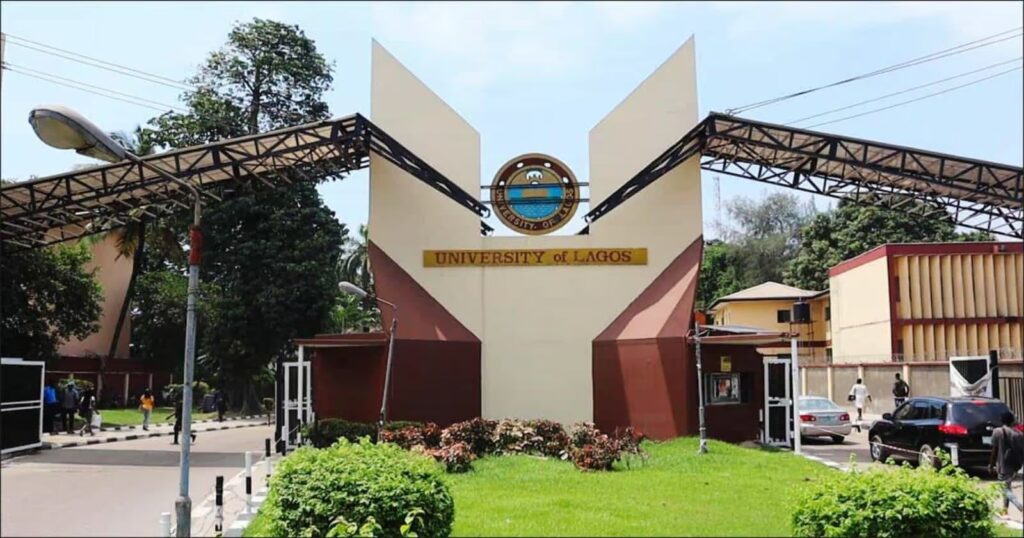
The University of Lagos (UNILAG) has officially announced that its 2025/2026 Postgraduate Candidacy Assessment (PCA) will take place on Thursday, October 30, 2025.
In a statement released by the School of Postgraduate Studies (SPGS), the university emphasized that the PCA is a crucial step in the postgraduate admission process. All candidates are expected to follow the official exam guidelines and prepare thoroughly for the computer-based online test.
A Competitive and Monitored Online Assessment
The UNILAG PCA will be conducted online under strict supervision, ensuring transparency and fairness throughout the process. The institution has highlighted that every session will be monitored in real-time, and any form of misconduct could lead to immediate disqualification.
Candidates are advised to note the following key rules and technical requirements:
- A stable internet connection is required before beginning the test.
- The assessment must be taken on a laptop or desktop with a functioning webcam and microphone — mobile phones are not supported.
- Participants must remain visible throughout the 20-minute test. Covering the webcam or leaving the screen may lead to disqualification.
- External cameras, HDMI displays, or shared devices are prohibited.
- No one else should be present during the assessment. Avoid public centers or cafés.
- Once started, the exam timer continues even if the candidate logs out.
- Reading questions aloud, wearing caps, masks, or earpods during the test is forbidden.
- Each candidate can only log in at their scheduled date and time.
How to Access the UNILAG Postgraduate Exam Portal
Applicants can access the PCA via any of the following approved methods:
- Click the “Click Here To Take Exam” link sent in the UNILAG official email.
- Select the WebTest icon on the UNILAG Postgraduate Portal.
- Visit unilagspgs.proctee.webtest.ng directly.
Login Details:
- Username: Application Number
- Password: Surname (in lowercase)
Step-by-Step Examination Process
- Log in to the platform and select “Take Exam” to view the instructions.
- Download and install the Secure Exam Browser (SEB) for Windows 10 or higher, or macOS Ventura.
- Grant all requested permissions to the SEB browser.
- Return to the exam page and click “Click here to take your exam” to begin.
- Only the SEB version specified on the instructions page will work. If it’s already installed, there’s no need to reinstall it.
Mandatory UNILAG Mock Assessment
To ensure technical readiness, UNILAG requires all candidates to participate in a Mock Assessment using the same device they plan to use for the actual test.
- Mock Test Period: Friday, October 24, 2025 – Wednesday, October 29, 2025 (midnight)
- The mock exam helps candidates confirm that their systems meet UNILAG’s technical standards.
Technical Support Contacts
Candidates experiencing technical issues before or during the assessment can reach out via the following channels:
- Email: [email protected] | [email protected]
- WhatsApp: 08090931800
- Phone: 08090931788
- Contact Person: Mr. Rotimi M. Adedunye, Deputy Registrar & Administrative Secretary, SPGS, UNILAG
UNILAG’s Final Reminder
The university urges all applicants to read the instructions carefully, adhere strictly to the guidelines, and ensure their systems are ready before the test date. Non-compliance or misconduct may lead to automatic disqualification.
You may also like to read: UNILAG Confirms Date, Venue for 2025 JUPEB Supplementary Entrance Examination


