UNIABUJA Admission List 2025: How to Check Your Status on JAMB CAPS
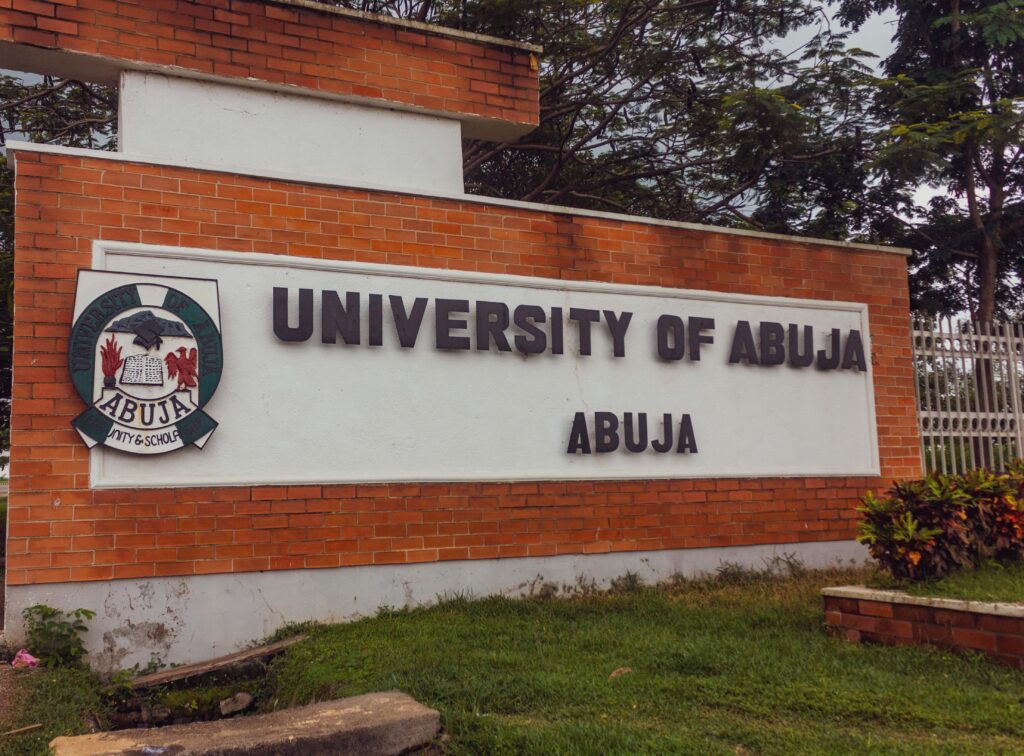
The long wait is finally over. The University of Abuja (UNIABUJA) has officially released its admission list for the new academic session, covering both UTME and Direct Entry candidates.
For months, prospective students have been refreshing pages and checking updates, hoping to see their names. Now, successful candidates can confirm their admission status through the official JAMB Central Admission Processing System (CAPS) portal.
How to Check UNIABUJA Admission List on JAMB CAPS
The admission list is only accessible via the JAMB CAPS portal at the moment. The process is straightforward, though the portal may occasionally run slow.
Follow these steps to check your admission status:
- Visit the JAMB e-Facility portal.
- Enter your JAMB username and password to sign in.
- Scroll down and click Check Admission Status.
- Select Access my CAPS.
- Finally, click on Admission Status to know if UNIABUJA has offered you admission.
What Each CAPS Response Means
Once logged in, candidates may see different messages. Here’s what each means in plain terms:
- ADMISSION OFFERED: Congratulations! Your admission is confirmed. You must accept or reject it on CAPS.
- ADMISSION IN PROGRESS (AIP): Your admission is moving forward but still awaiting approval from the university and JAMB.
- RECOMMENDED: UNIABUJA has recommended you, and JAMB is reviewing the final decision.
- NOT ADMITTED: No admission yet. Don’t lose hope—lists are released in batches.
- PENDING: Your application is still under consideration.
What to Do After Accepting an Offer
If you see “Admission Offered”, here’s what you should do immediately:
- Send ACCEPT or REJECT by SMS to 55019 or 66019, using the phone number linked to your JAMB profile.
- After accepting, print your JAMB Admission Letter—this document is crucial for your records and registration.
Quick Fix for Mobile Users
Many candidates encounter problems when checking CAPS on their phones, seeing only a welcome message without full details. To fix this:
- Open the portal using Google Chrome.
- Select Desktop Site from the browser options.
- Reload the page to view the complete menu.
Final Note
Congratulations to all candidates who made it to the UNIABUJA admission list. For those still waiting, don’t give up—admissions are released in phases, and today’s “Not Admitted” might change in the next update
You may also like to read: UNIABUJA Announces Remedial Science Admission for 2025/2026 Session


