JAMB CAPS 2025/2026: Check Your Admission Status
The JAMB CAPS for 2025/2026 is now active. Learn how to check your admission status, what to do if you see ‘not admitted,’ and when to expect new admission batches. Get step-by-step instructions and answers to common questions.
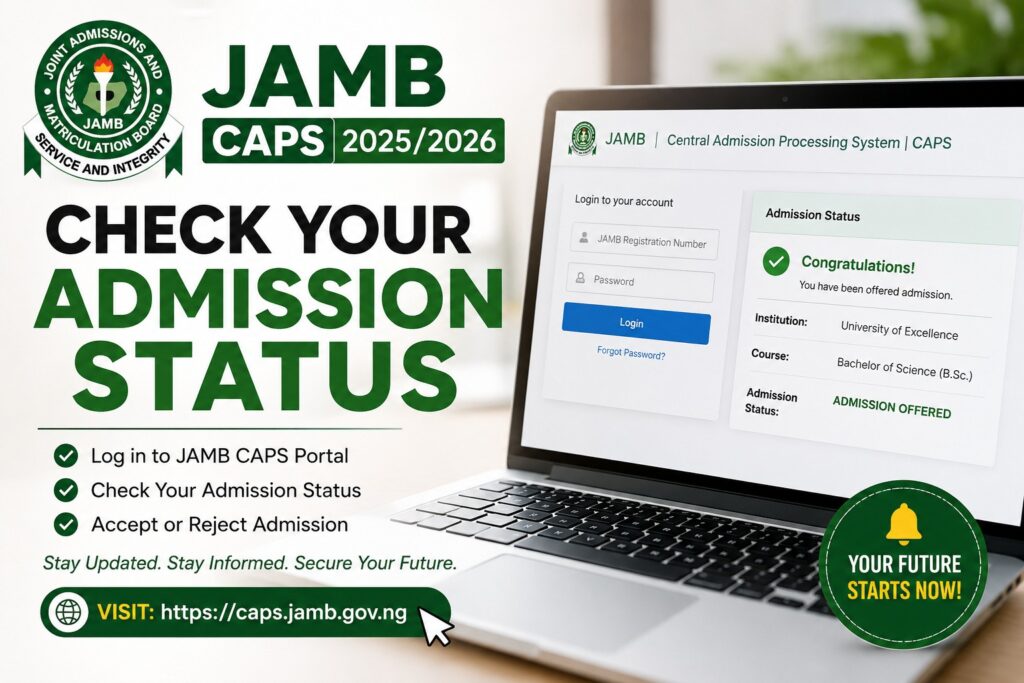
The JAMB CAPS (Centralized Admissions Processing System) for the 2025/2026 admission exercise is now active, and thousands of Nigerian students are eagerly checking their JAMB CAPS admission status to find out if they’ve secured a spot in their dream university. If you haven’t checked yours yet, now is the time to do so—and this guide will show you exactly how.
What Is JAMB CAPS and Why It Matters
JAMB CAPS is the official online portal where the Joint Admissions and Matriculation Board publishes admission decisions for UTME candidates. Instead of waiting for institutional letters, you can monitor your admission status in real-time through this platform. Therefore, checking your CAPS status regularly gives you early access to know whether you’ve been offered admission before official announcements.
How to Check Your JAMB CAPS Admission Status
Accessing your admission information is straightforward. Follow these steps:
- Visit the official JAMB portal at https://efacility.jamb.gov.ng
- Log in using your JAMB registration number and password
- Navigate to the admission status section
- Your status will display whether you’ve been offered admission or not
What If JAMB CAPS Says “Not Admitted”?
A “not admitted” status on JAMB CAPS doesn’t necessarily mean your admission journey is over. In addition, institutions release admission in batches, and many candidates receive offers after the initial CAPS announcements. Some candidates also get admitted through supplementary lists or merit-based reviews. Therefore, keep checking regularly and await official communication from your institutions of choice.
Furthermore, consider reaching out to the admissions offices of the schools where you had high JAMB scores to inquire about additional admission opportunities. JAMB cut-off marks by institutions” rel=”noopener noreferrer”>Understanding JAMB cut-off marks can also help you plan for alternative institutions.
Important Tips for JAMB CAPS Users
- Check your JAMB CAPS status regularly—admissions are released in phases
- Keep your registration number and password confidential
- Follow official JAMB social media channels for updates
- Don’t rely on unofficial sources; always verify information on the official portal
- Have your institution acceptance fee ready when an offer comes through
Frequently Asked Questions About JAMB CAPS Admission Status
Can I still get admitted after JAMB CAPS shows “not admitted”?
Yes. Many universities release admission in multiple batches. Some candidates receive offers weeks after the first CAPS announcement. Additionally, supplementary admissions and merit-based reviews happen throughout the admission period. Keep monitoring your CAPS status and stay in touch with your chosen institutions.
What should I do if I can’t log into JAMB eFacility?
First, verify you’re using the correct registration number and password. If you’ve forgotten your password, use the “forgot password” option on the login page. If problems persist, contact JAMB customer support through their official channels or visit a JAMB office nearest to you for assistance.
How often are JAMB CAPS admission lists updated?
JAMB typically updates the CAPS system weekly or bi-weekly during the admission period. However, update frequency may vary depending on institutional submissions. Check back regularly—ideally every few days—to catch new admission batches as soon as they’re published.
Take Action Now
Don’t leave your admission status to chance. Log into JAMB eFacility right now and check your 2025/2026 admission status. If you haven’t been admitted yet, stay hopeful—many batches are still coming. Share this guide with your friends who are also waiting for their JAMB results, and let’s celebrate together when those admission offers start rolling in. Your university journey is just beginning!