Check JAMB Admission Status on CAPS 2025/2026
Want to know if you’ve been admitted to your dream university? This complete guide shows you exactly how to check your JAMB admission status on CAPS in just a few minutes. Perfect for Nigerian UTME candidates.
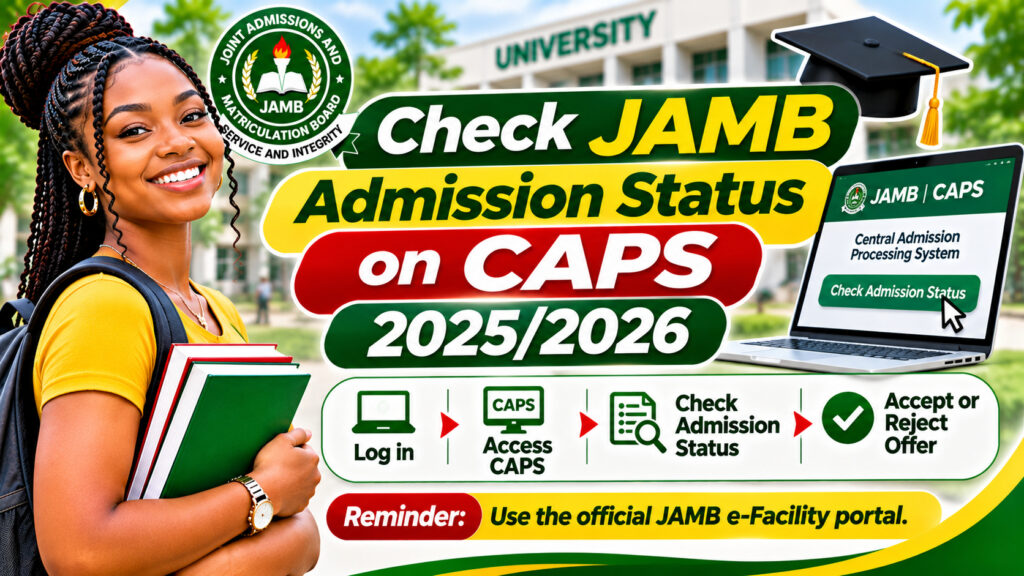
Getting admitted to your preferred university is exciting, but only when your name appears on the official JAMB CAPS portal. Many Nigerian UTME candidates wonder: how do I check JAMB admission status on CAPS? The answer is simpler than you think. This guide walks you through the process step-by-step, so you never miss your admission offer.
An admission offer only counts once it shows on JAMB CAPS. Universities may upload your name to their internal lists, but until it reflects on the official JAMB platform, your admission is not yet confirmed. This is why checking the CAPS portal regularly is crucial during admission season.
What Is JAMB CAPS and Why It Matters
JAMB CAPS (Candidates Admission Processing System) is the official portal where the Joint Admissions and Matriculation Board publishes all admission decisions. Whether you applied for university or polytechnic programmes, your admission status will be announced here first. Therefore, this platform is your most reliable source for admission confirmation in Nigeria.
How to Check Your JAMB Admission Status on CAPS
Follow these simple steps to check if you’ve been admitted:
- Visit the JAMB CAPS portal: Go to https://efacility.jamb.gov.ng
- Log in with your credentials: Enter your JAMB email address and password
- Navigate to admission status: Look for the “Admission Status” or “View Admission” tab
- Check your status: Your admission offer (or waiting list status) will display here
What Your Admission Status Means
When you check the CAPS portal, you may see one of these statuses:
- Admitted: You’ve been offered admission to your chosen institution
- Waiting List: Your application is under review; check back regularly
- Not Admitted: Unfortunately, you were not offered admission
If you’re admitted, note the reporting date and required documents. Furthermore, do not delay in accepting your offer or reporting to campus.
Common Issues When Checking JAMB Admission Status
Forgot your JAMB password? Click the “Forgot Password” link on the JAMB login page. You’ll receive a reset link via your registered email. Ensure you’re using the email address you registered with during UTME.
Can’t access the portal? Try a different browser or device. Clear your browser cache and cookies, then try again. If the problem persists, contact JAMB support.
Name not showing yet? Universities submit admission lists in batches. Check back after a few days. In addition, some institutions may delay submissions, so patience is essential.
JAMB registration process for UTME candidates
Important Tips for Admission Season
- Check CAPS at least twice weekly during admission period (usually June to August)
- Keep your JAMB email and phone number active for university communications
- Have your JAMB registration number handy when checking
- Screenshot your admission offer for your records
- Don’t share your JAMB password with anyone
In addition, follow your university’s official social media accounts for admission updates. Universities often announce admission in phases, so early checkers get the news first.
Frequently Asked Questions About Checking JAMB Admission Status
When exactly will my admission status appear on JAMB CAPS?
Admission statuses typically appear from June onwards, depending on when universities submit their lists to JAMB. The exact dates vary yearly. Check the JAMB official website for the 2025/2026 timeline. Most universities complete their submissions by August.
Can I check JAMB admission status on my phone?
Yes, absolutely. The JAMB CAPS portal is mobile-friendly. Use any browser on your smartphone, tablet, or computer. However, make sure you’re using a secure internet connection and not public WiFi when entering your login details.
What should I do if my name appears on the waiting list?
If you’re on the waiting list, don’t panic. You may still be offered admission if other admitted students decline. Check CAPS regularly during admission season, as waiting list updates happen throughout June to September. Additionally, prepare your documents in case you’re called up.
Next Steps After Checking Your Admission Status
Once you’ve checked JAMB CAPS and confirmed your admission, the next phase begins. Accept your offer on the portal, then proceed to your university’s post-admission portal to complete registration, pay acceptance fees, and submit required documents. Your university will send you detailed instructions via email and SMS.
Don’t delay this process. Universities often have strict deadlines for acceptance and reporting. Missing these deadlines can result in losing your admission slot.
Stay Updated and Share This Guide
Checking JAMB admission status on CAPS is straightforward once you know the steps. However, many Nigerian students still struggle with this process. Help your friends by sharing this guide. Tag someone in your class group chat who hasn’t checked their status yet. Additionally, bookmark this page for reference during admission season.
Need more help? Visit the official JAMB website or contact your university’s admissions office directly. They’re always ready to assist.
👉 ACTION: Check your JAMB CAPS status right now if you haven’t already. Then share this article with three classmates who are also waiting for their admission offers. Let’s celebrate Nigerian students getting into their dream universities!